Peak Locator
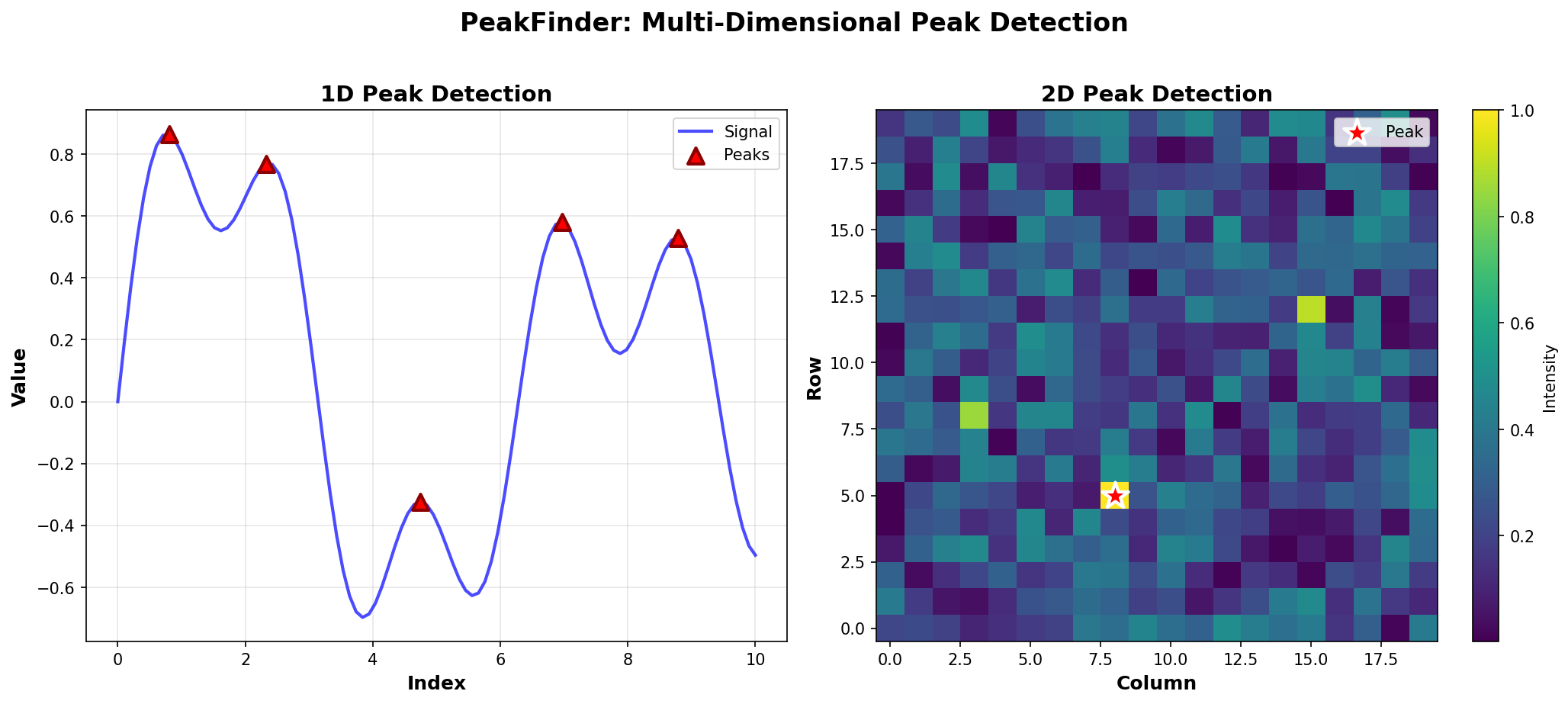
Deterministic Peak Detection for Multi-Dimensional Data
Peak Counting
Efficiently count peaks in 1D arrays.
Basic Counting
Simple Count
from peak_locator import PeakDetector
import numpy as np

arr = np.array([1, 5, 2, 6, 3])
detector = PeakDetector(arr)
count = detector.count_peaks()
print(f"Found {count} peaks")
# Output: Found 2 peaks
Using find_all_peaks()
You can also count by finding all peaks:
arr = np.array([1, 5, 2, 6, 3])
detector = PeakDetector(arr)
peaks = detector.find_all_peaks()
count = len(peaks)
print(f"Found {count} peaks")
However, count_peaks() is optimized specifically for counting and may be more efficient.
Counting Methods
Linear Scan (Default)
The default method uses a linear scan:
arr = np.array([1, 5, 2, 6, 3, 4, 2])
detector = PeakDetector(arr)
count = detector.count_peaks(use_segment_tree=False)
print(f"Peak count: {count}")
Time Complexity: O(n)
Use When: Single count query, simple use cases
Segment Tree (For Repeated Queries)
For multiple range queries on the same array:
arr = np.array([1, 5, 2, 6, 3, 4, 2])
detector = PeakDetector(arr)
count = detector.count_peaks(use_segment_tree=True)
print(f"Peak count: {count}")
Time Complexity: O(n) preprocessing, O(log n) per query
Use When: Multiple range queries on the same array
Real-World Examples
Signal Analysis
Count peaks in a signal:
import numpy as np
from peak_locator import PeakDetector

# Generate signal
t = np.linspace(0, 4*np.pi, 100)
signal = np.sin(t) + 0.1 * np.random.randn(100)

detector = PeakDetector(signal)
peak_count = detector.count_peaks()
print(f"Signal contains {peak_count} peaks")
Quality Control
Check if data has expected number of peaks:
data = np.array([1, 3, 2, 5, 4, 6, 3, 2, 1])
detector = PeakDetector(data)
count = detector.count_peaks()

expected_peaks = 2
if count == expected_peaks:
    print("Data quality check passed")
else:
    print(f"Warning: Expected {expected_peaks} peaks, found {count}")
Batch Processing
Count peaks in multiple arrays:
arrays = [
    np.array([1, 5, 2, 6, 3]),
    np.array([2, 4, 1, 5, 3]),
    np.array([1, 3, 2, 4, 5])
]

peak_counts = []
for arr in arrays:
    detector = PeakDetector(arr)
    count = detector.count_peaks()
    peak_counts.append(count)

print(f"Peak counts: {peak_counts}")
Advanced: Direct Algorithm Access
You can also use the counting functions directly:
from peak_locator.core.count import count_peaks_linear, count_peaks_segment_tree

arr = np.array([1, 5, 2, 6, 3])

# Linear count
count1 = count_peaks_linear(arr)

# Segment tree count
count2 = count_peaks_segment_tree(arr)

print(f"Linear: {count1}, Segment Tree: {count2}")
Performance Comparison
| Method | Preprocessing | Query Time | Best For |
|---|---|---|---|
| Linear | O(1) | O(n) | Single query |
| Segment Tree | O(n) | O(log n) | Multiple range queries |
When to Use Each Method
Use Linear Scan When:
- You only need one count
- Array is small
- Simplicity is preferred
Use Segment Tree When:
- You need multiple range queries
- Array is large
- You’re doing repeated operations
Edge Cases
No Peaks
arr = np.array([1, 2, 3, 4, 5])  # Strictly increasing
detector = PeakDetector(arr)
count = detector.count_peaks()
print(f"Peak count: {count}")  # Output: 1 (last element is a peak)
Single Element
arr = np.array([5])
detector = PeakDetector(arr)
count = detector.count_peaks()
print(f"Peak count: {count}")  # Output: 1
All Same Values
arr = np.array([5, 5, 5, 5])
detector = PeakDetector(arr)
count = detector.count_peaks()
print(f"Peak count: {count}")  # Output: 4 (all elements are peaks)
Next Steps
- Learn about Segment Tree Usage for advanced queries
- Check out 1D Peak Detection for finding peaks
- Explore RMQ for range maximum queries